Website Logo
Go to Appearance > Customize
In your WordPress dashboard, navigate to Appearance and click on Customize to open the WordPress Customizer, where you can adjust various settings like theme colors, layout, typography, and more.
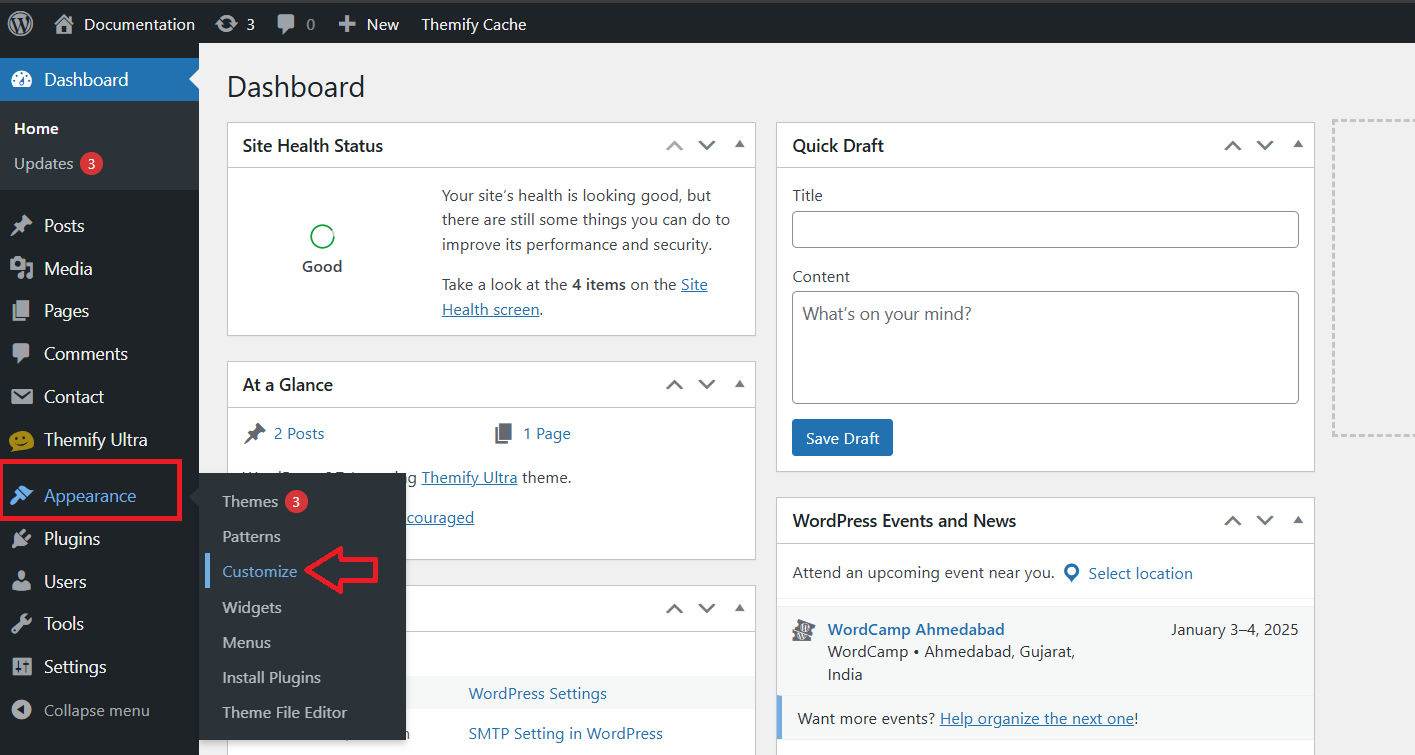
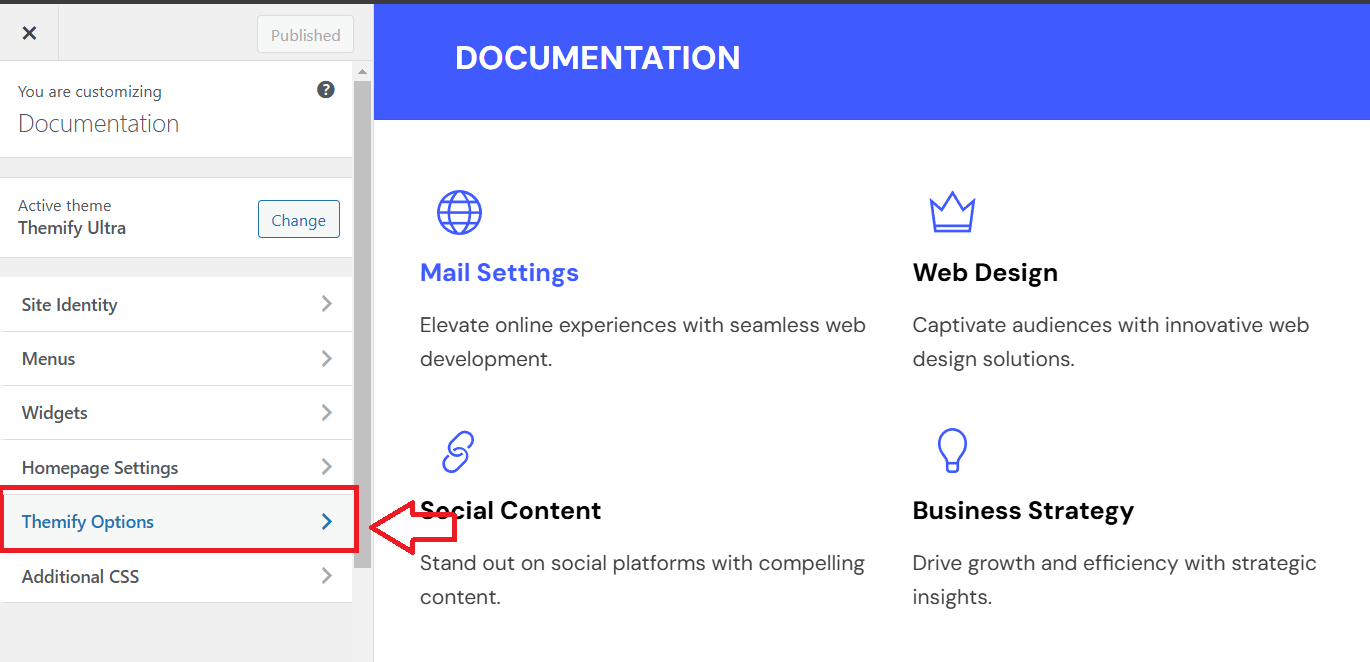
Click on Appearance > Customize, then navigate to Themify Options to adjust settings like layout, typography, and other theme-specific features.
Add Site Logo
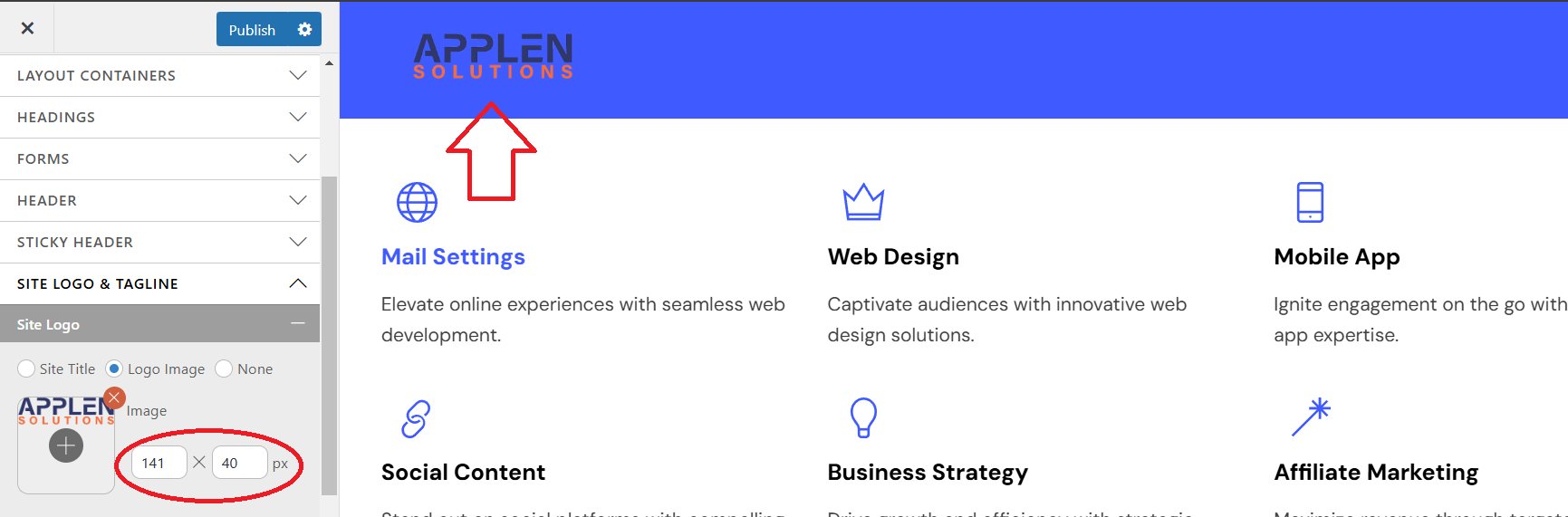
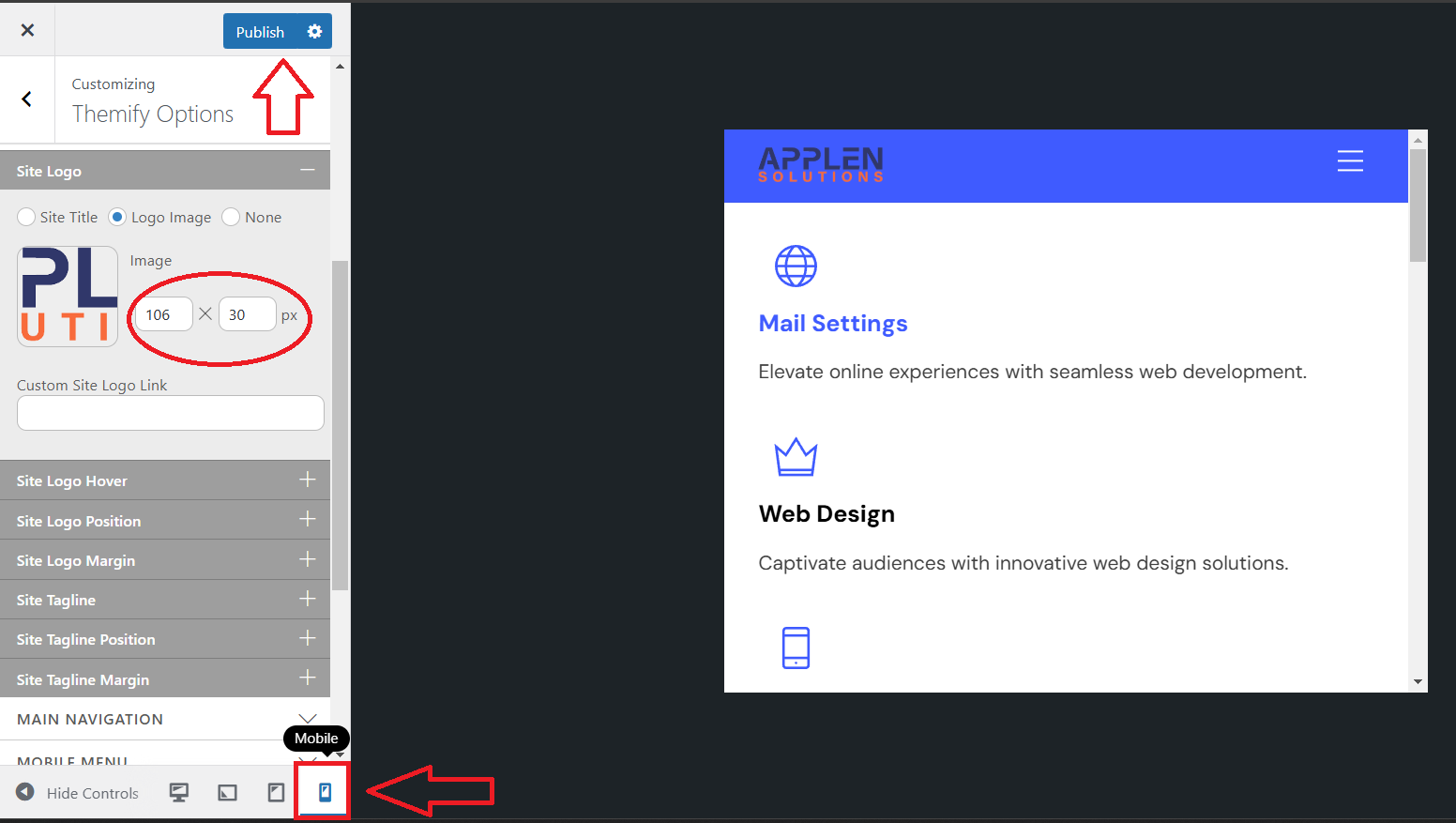
In the WordPress Customizer, go to Advanced More Options. Next, click on the Site Logo & Tagline tab to upload or edit your site logo and tagline.
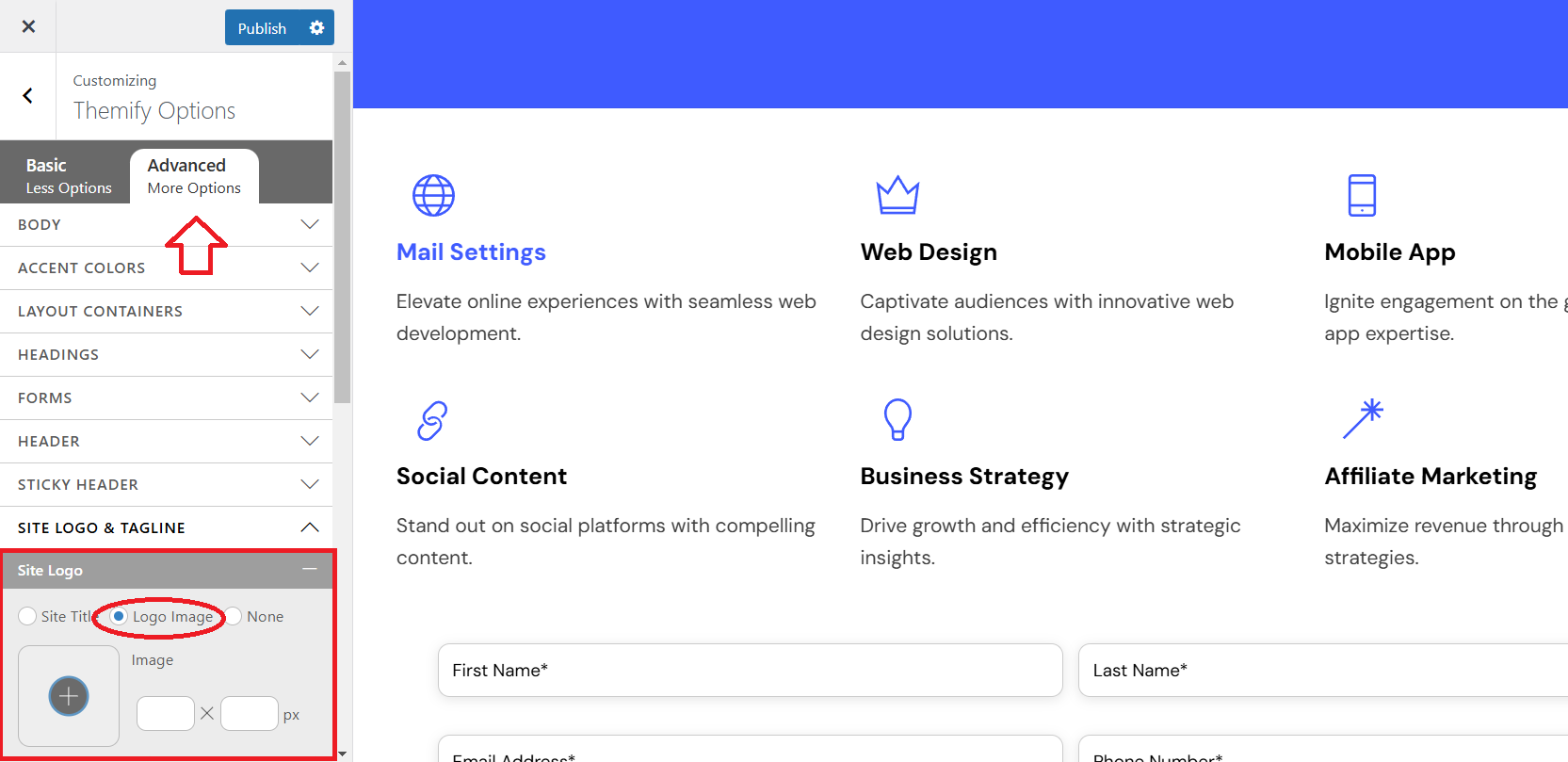
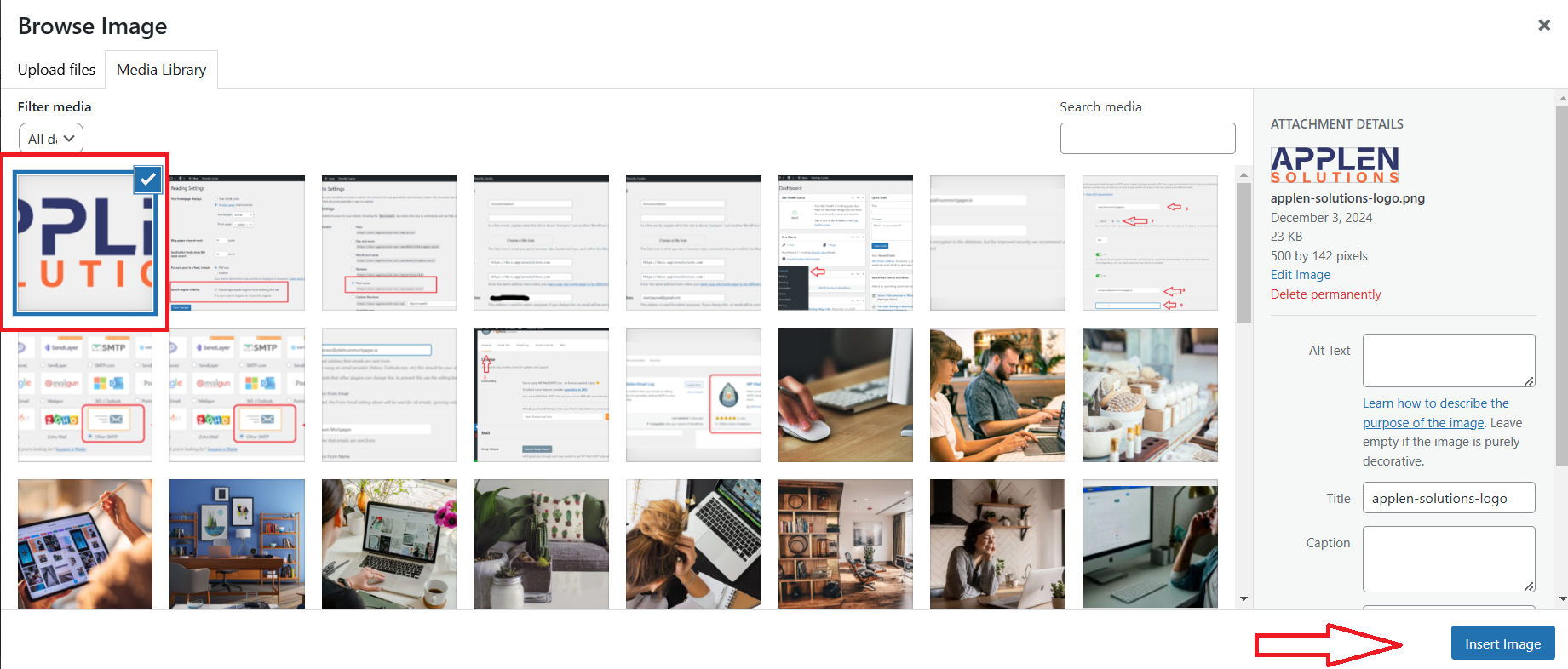
In the Site Logo & Tagline tab, select the logo image and click the plus icon to open the Browse Image window. Then, click Upload Files and select files from your device.