
Sticky logo
How to add Sticky logo?
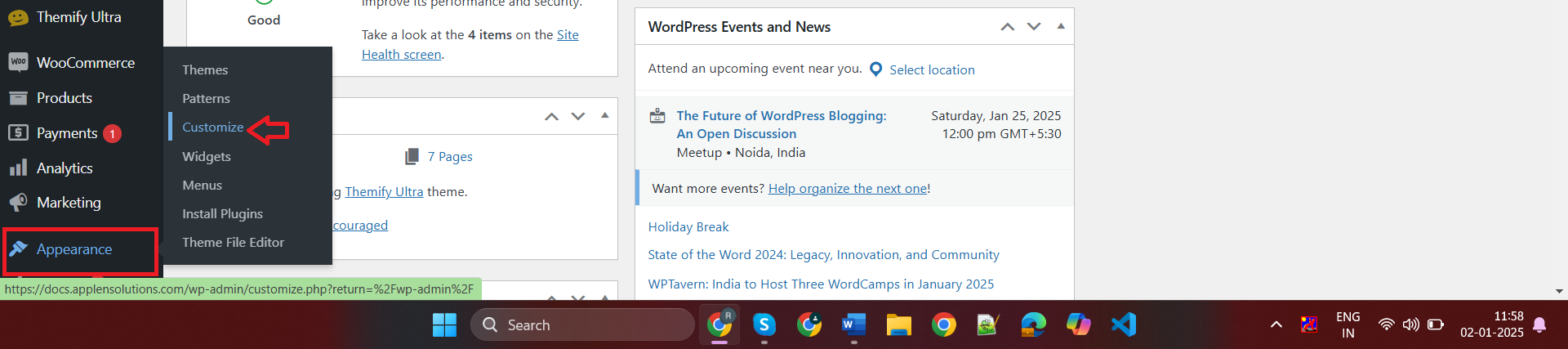
In the dashboard, go to Appearance > Customize.
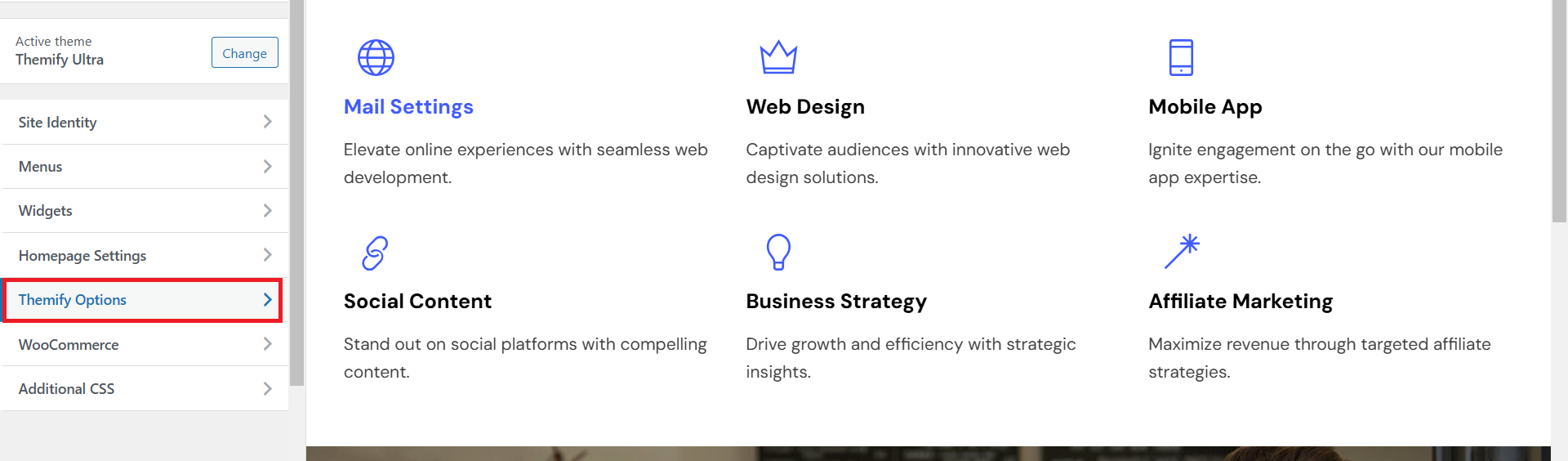
Select Themify Options. From there, find the Sticky Header settings. Click on the Sticky Header Logo option, upload your desired logo image, and adjust its height and width to fit your design. Once done, preview the changes to ensure the logo displays correctly and click Publish to save your updates.
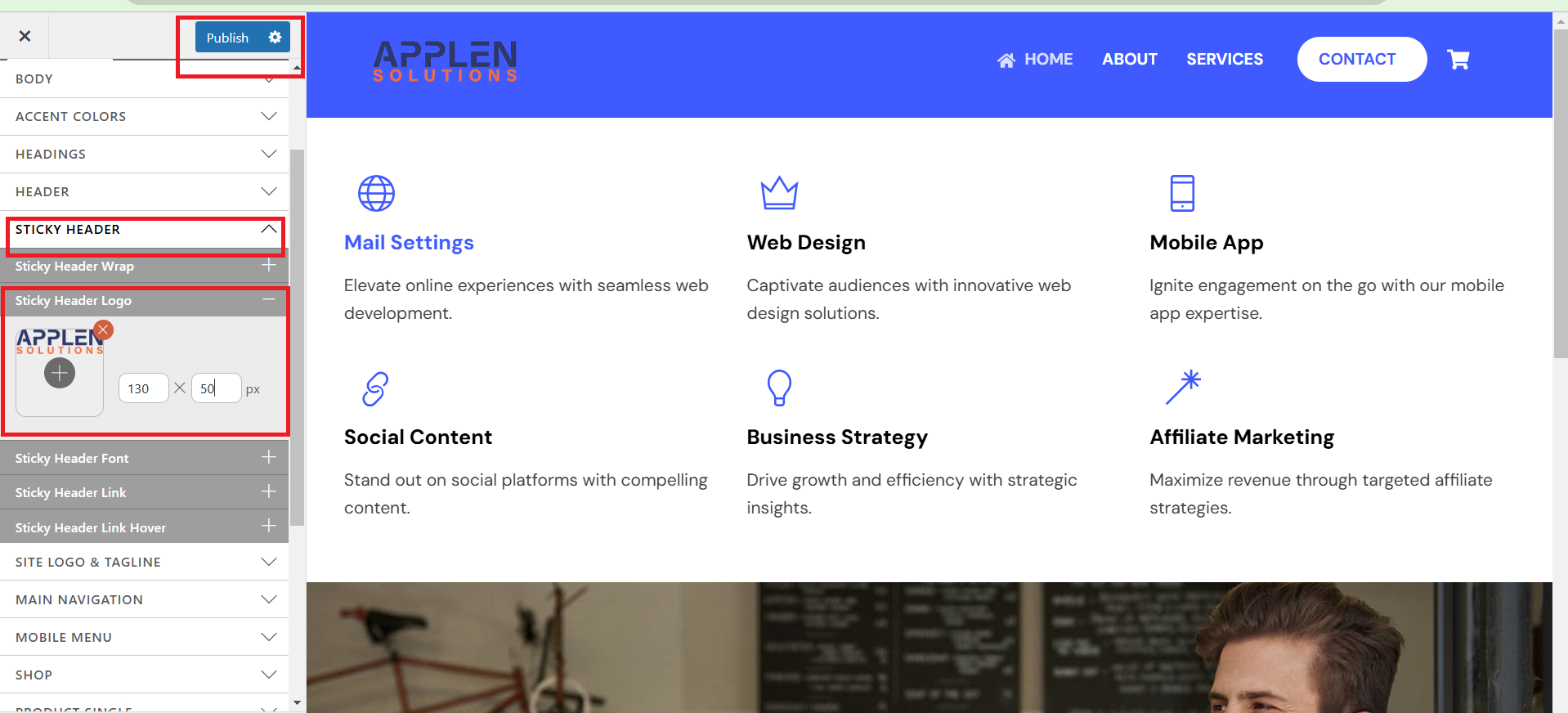
view stricky logo.